Create Interactive Image Sliders in Divi 5
Image Slider Assist
Powered by Swiper 11 6 Transitions Thumbnail Nav Autoplay
Lookbook-grade sliders with coverflow, cube, fade and parallax transitions — thumbnails, arrows and autoplay included.




6
TRANSITIONS
Swiper
VERSION 11
Auto
PLAY
Keyboard
ACCESSIBLE
FEATURES
One slider, seven ways to show it
A single module with everything a modern lookbook slider needs — configured entirely from the Divi builder.
6 Transition Effects
Slide, fade, coverflow, flip, cube and creative — picked from one dropdown.
Thumbnail Navigation
Optional thumbnail strip syncs to the active slide for quick, visual jumping.
Autoplay
Auto-advance with an adjustable delay and an optional progress indicator.
Arrows & Dots
Full navigation with arrows plus bullet, fraction or dynamic pagination.
Captions & Badges
Per-slide titles, captions and badges layered over the image with overlays.
Responsive
Touch and swipe friendly, with heights and slides-per-view that adapt to any screen.
Effect 01 · Fade — Alpine Travel
Fade
Soft cross-fades create a calm, cinematic presentation for destinations, landscapes and travel stories.




EFFECT 02 · Coverflow — Creative Portfolio
Coverflow
Browse featured projects through a dimensional coverflow that keeps the active image in focus.
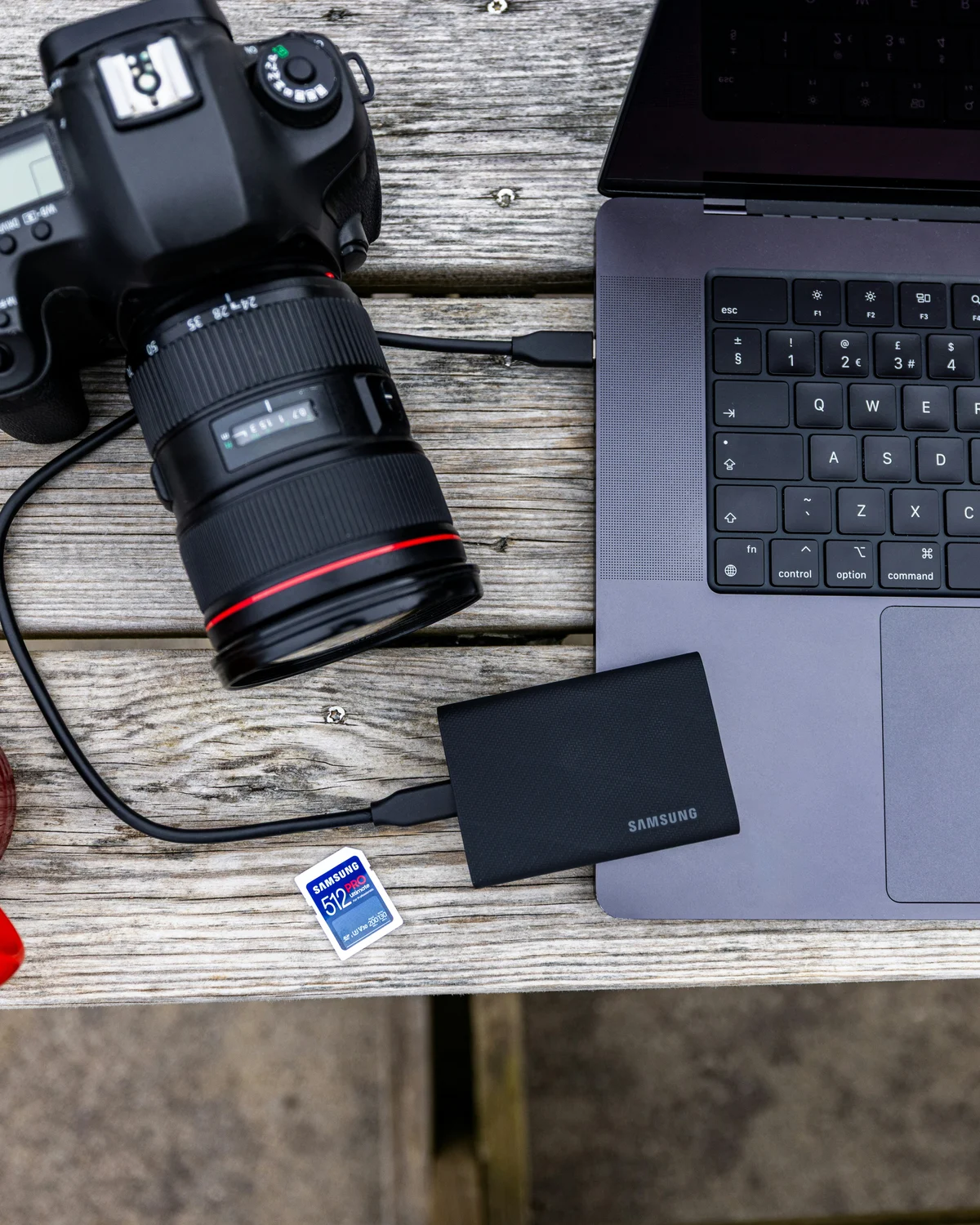
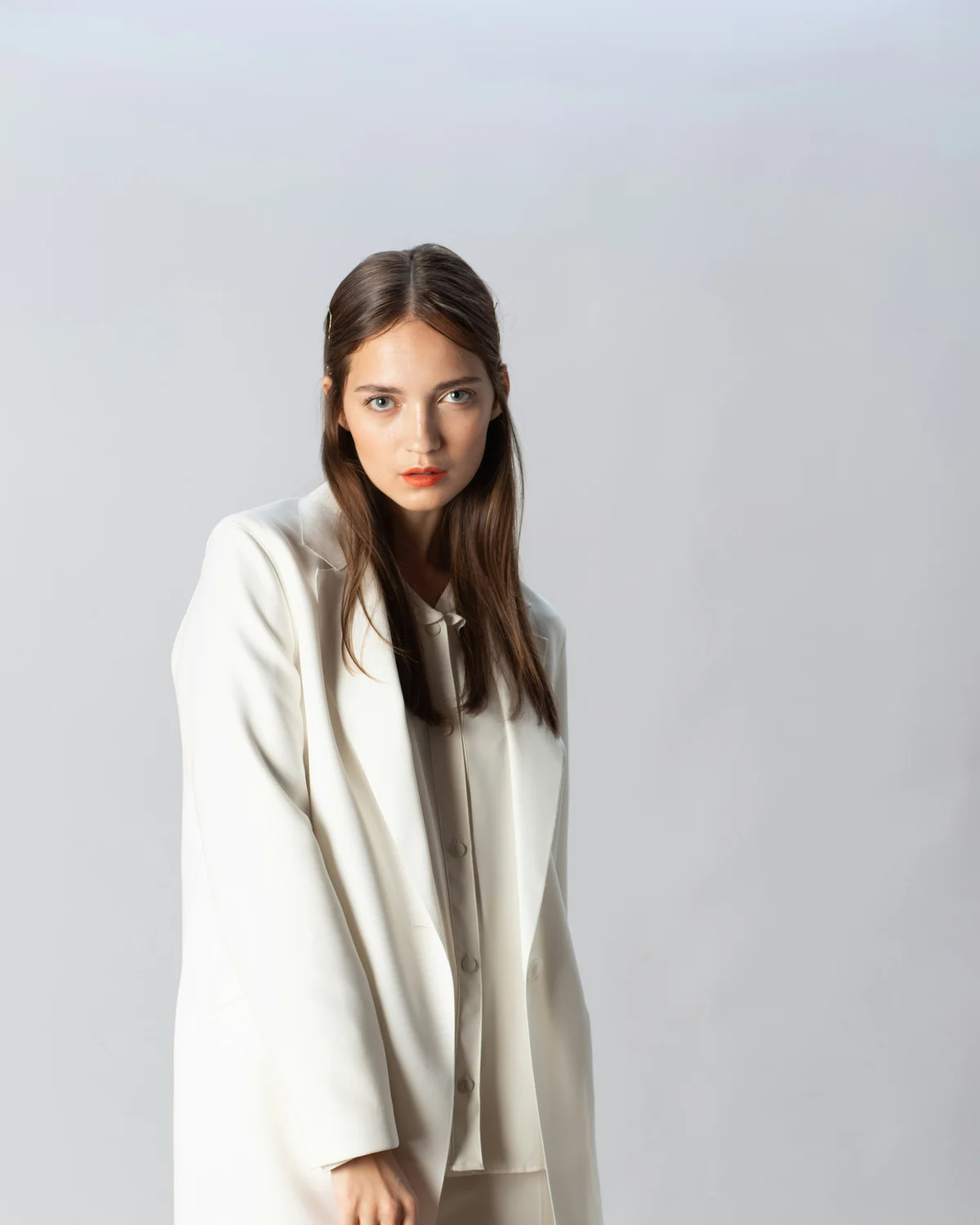
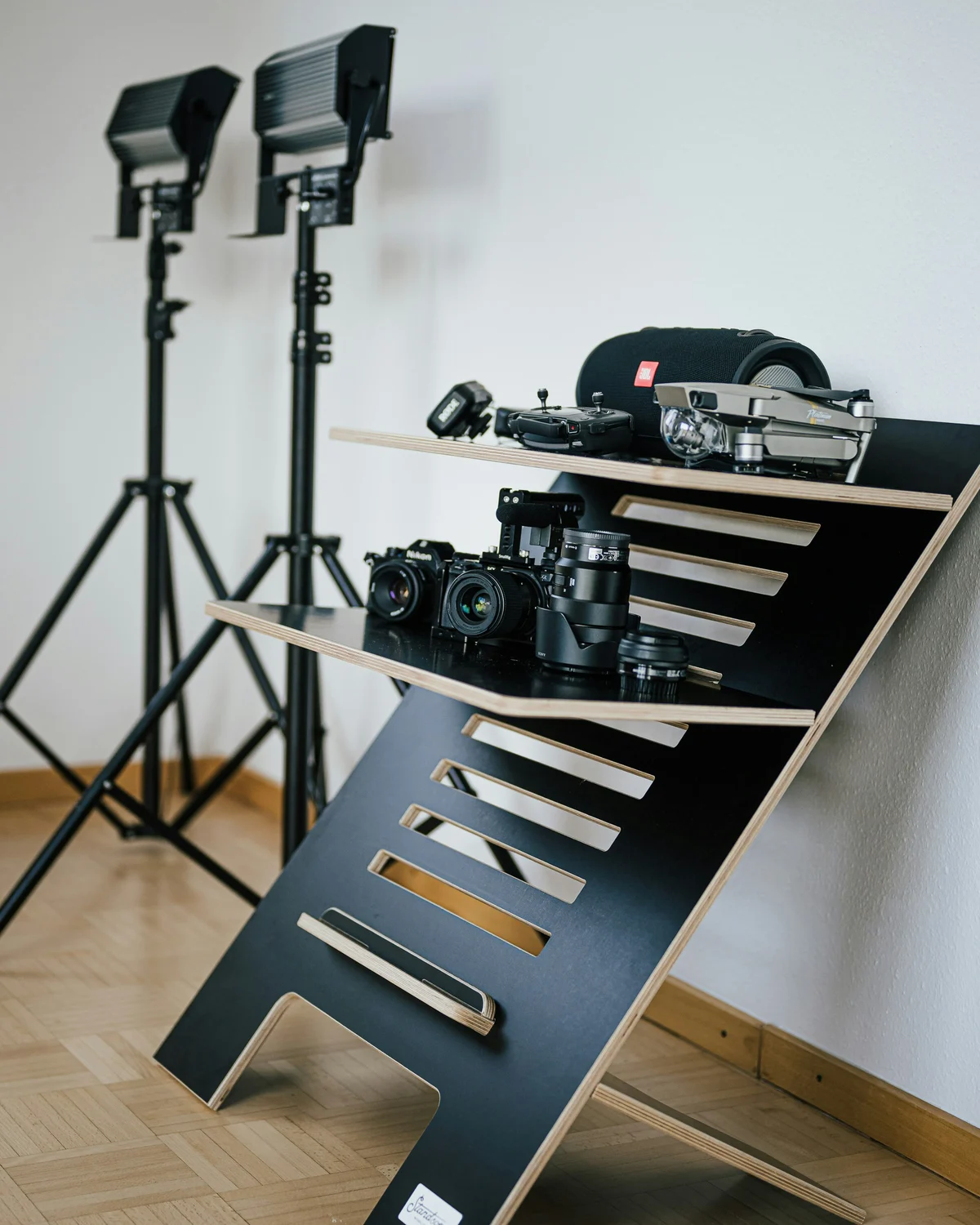


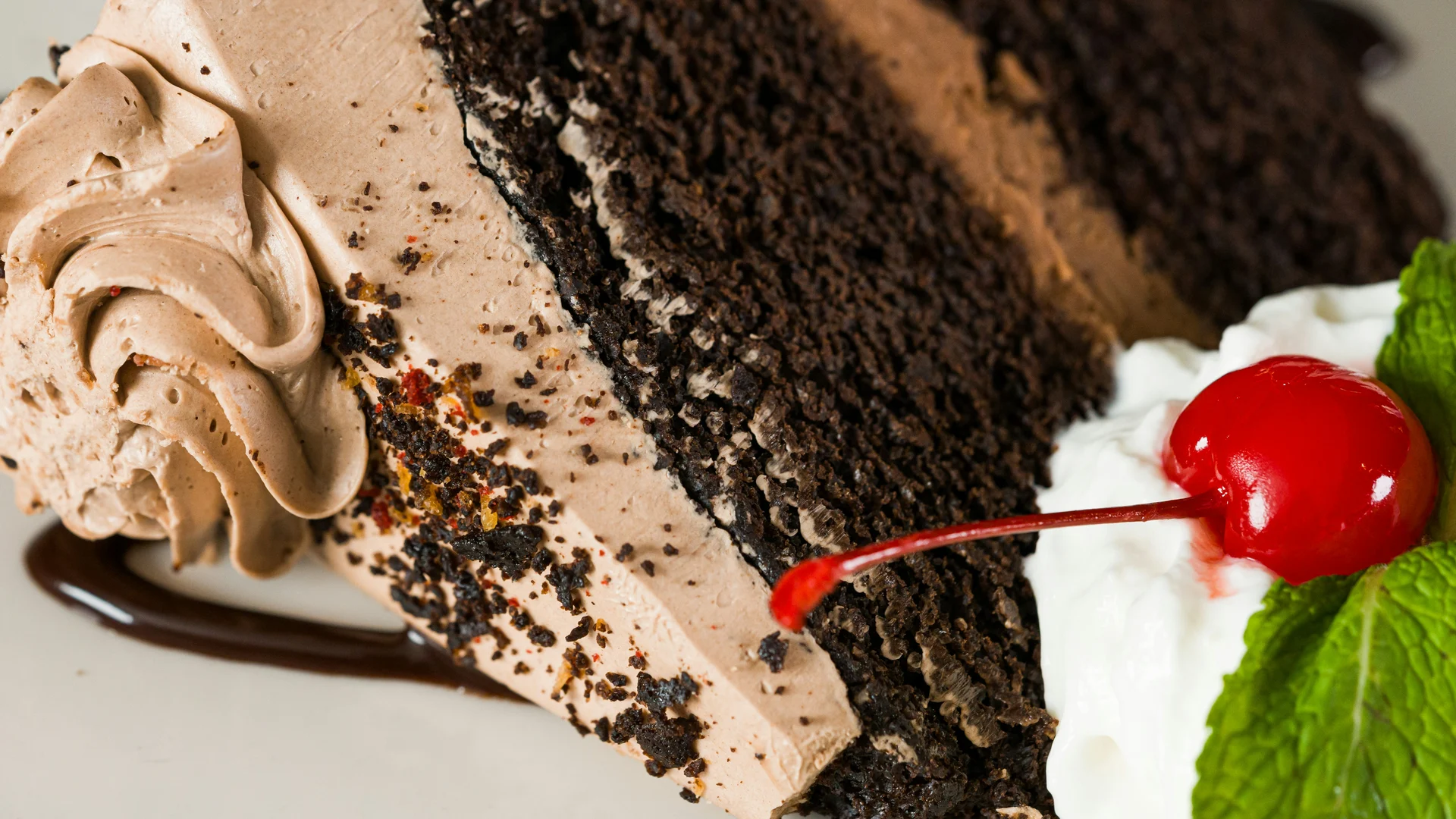
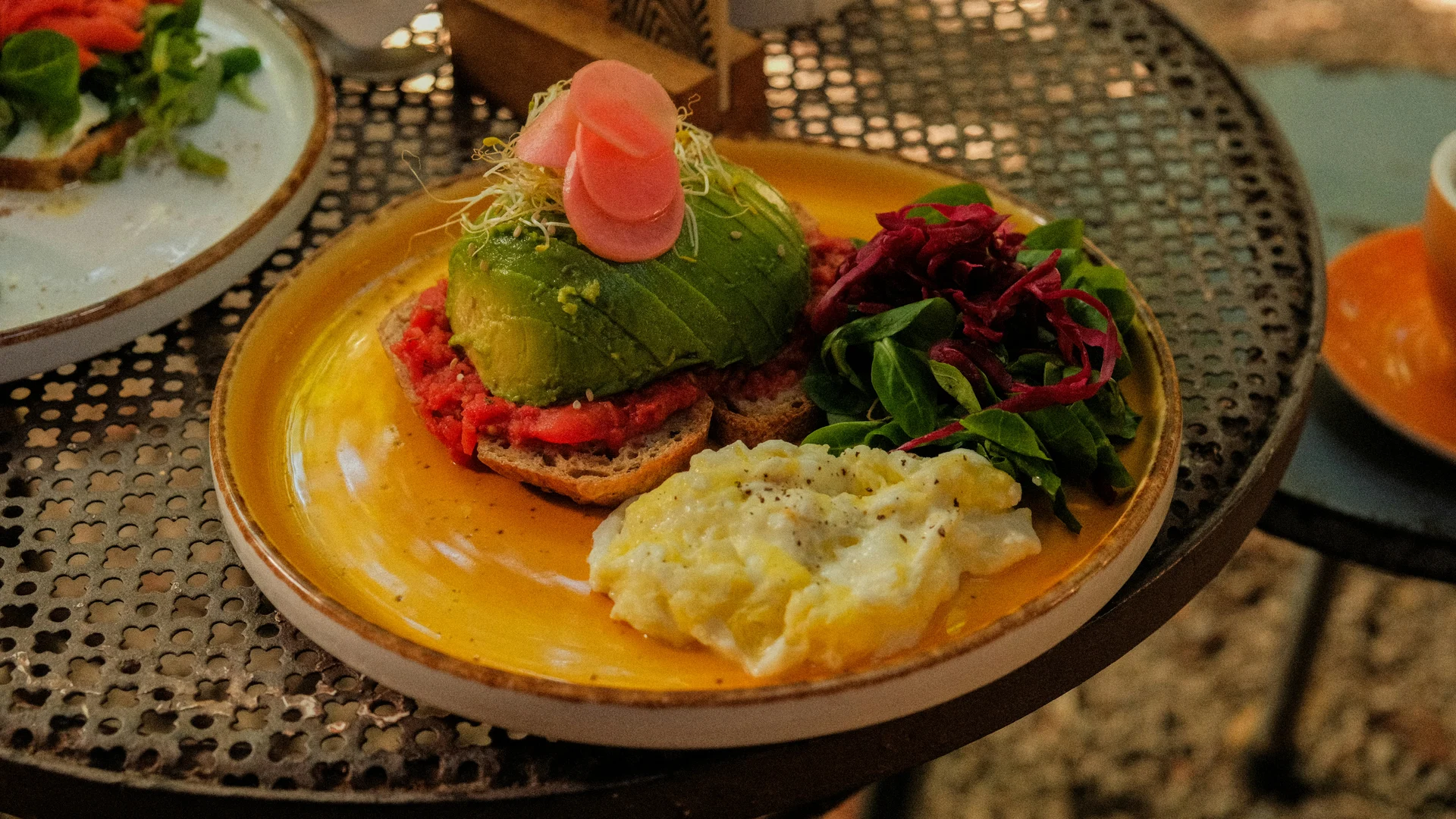
EFFECT 03 · Cards — Brunch Collection
Cards
Swipe through a stacked menu of signature dishes, seasonal specials and café favourites.

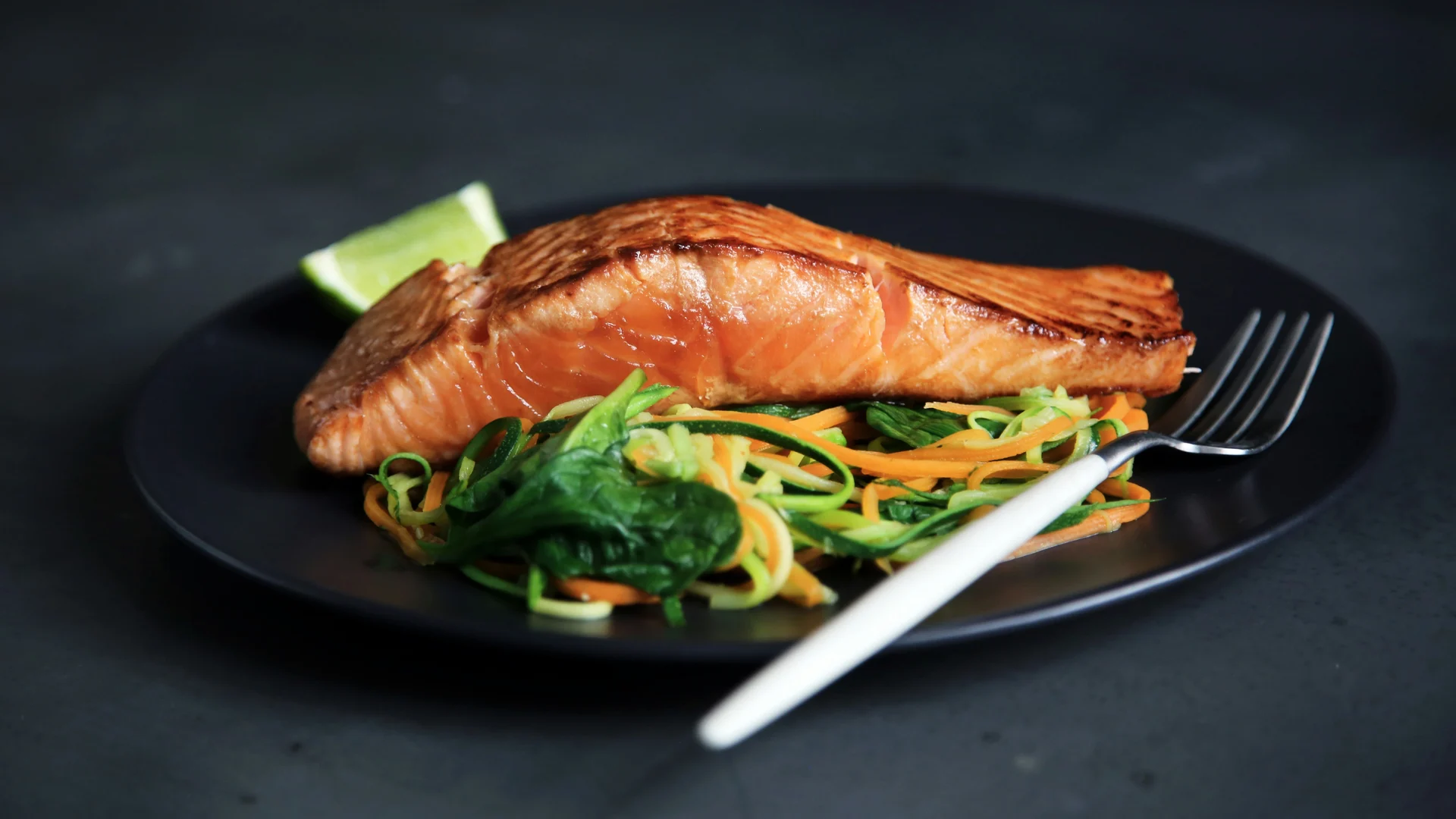
EFFECT 04 · Flip — Professional Profiles
Flip
Introduce team members, speakers or personal-brand stories using a focused 3D flip transition.
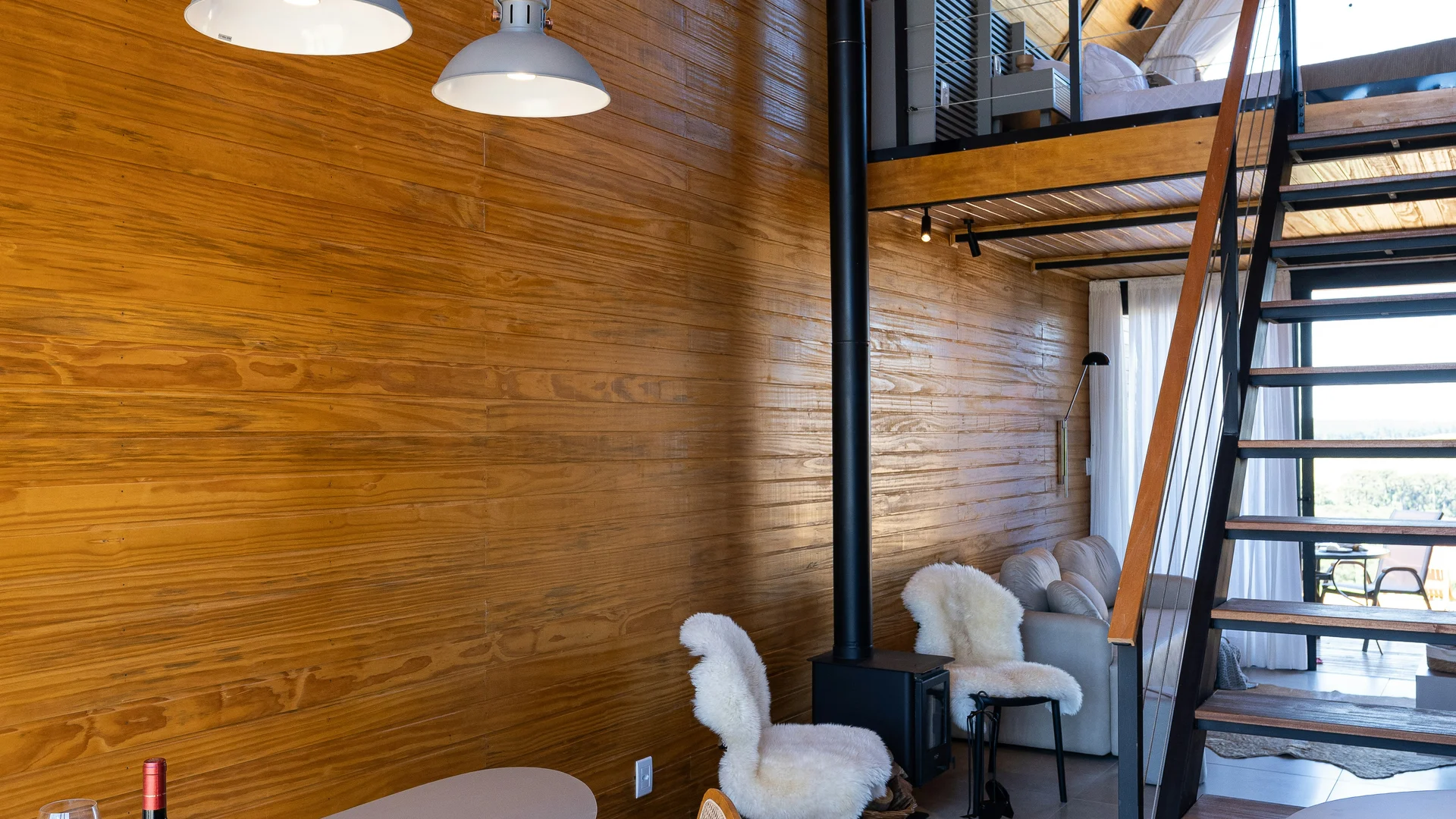
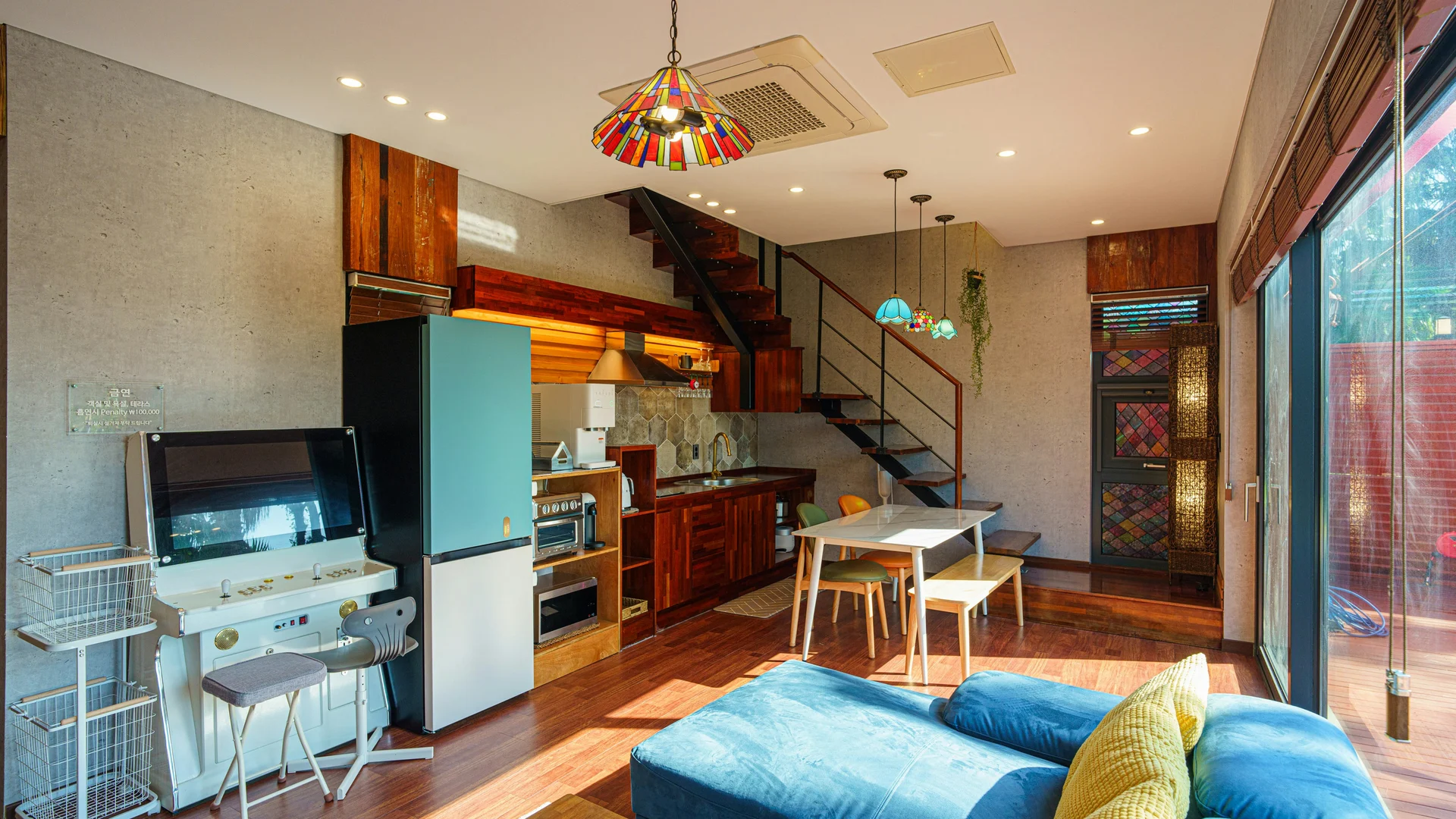
EFFECT 05 · Cube — Luxury Property
Cube
Rotate through four sides of a luxury property with an immersive three-dimensional cube effect.

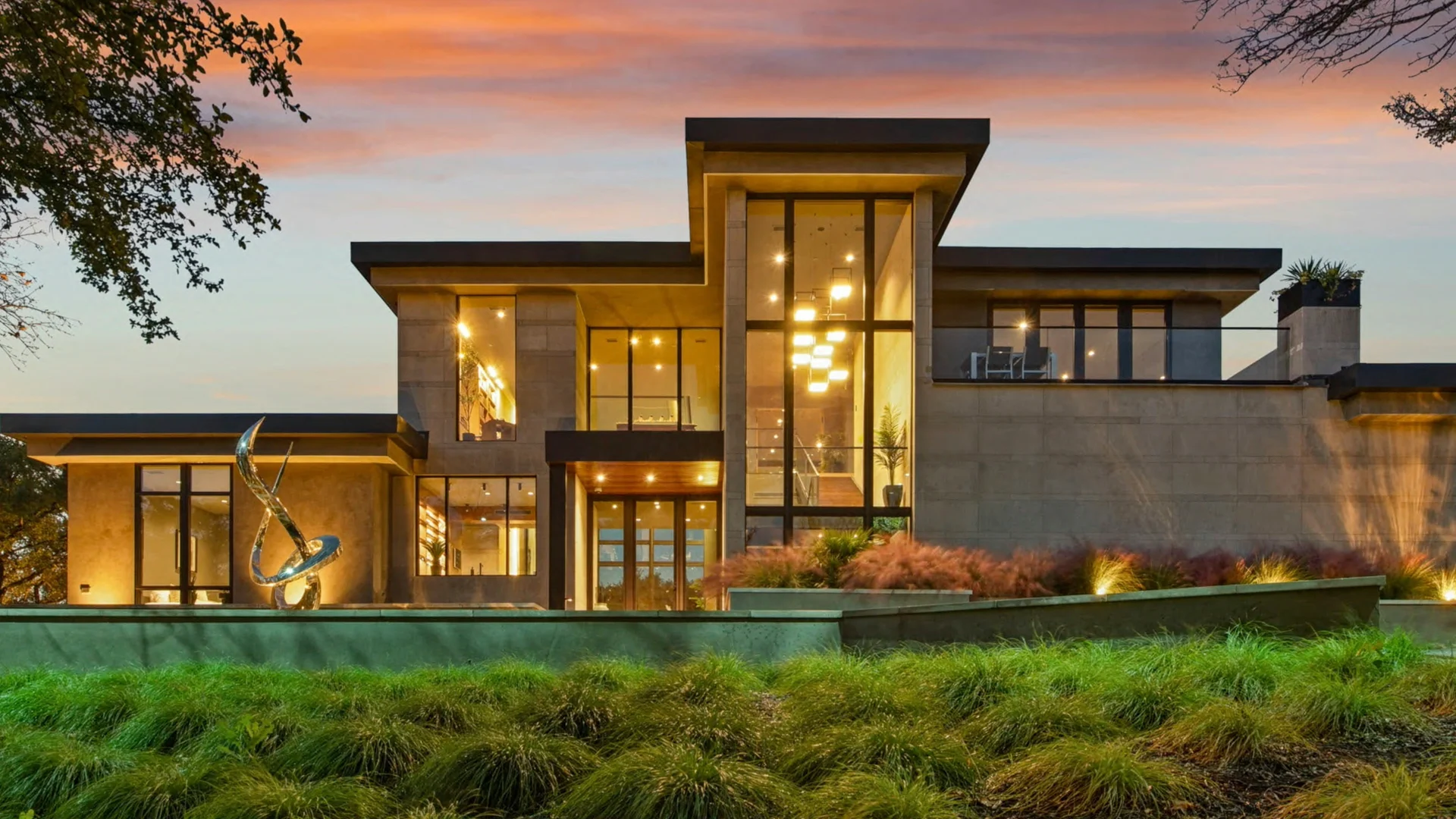
EFFECT 06 · Creative — Brand Campaign
Creative
Layered movement and dynamic pagination create an expressive slider for campaigns, launches and editorial stories.